
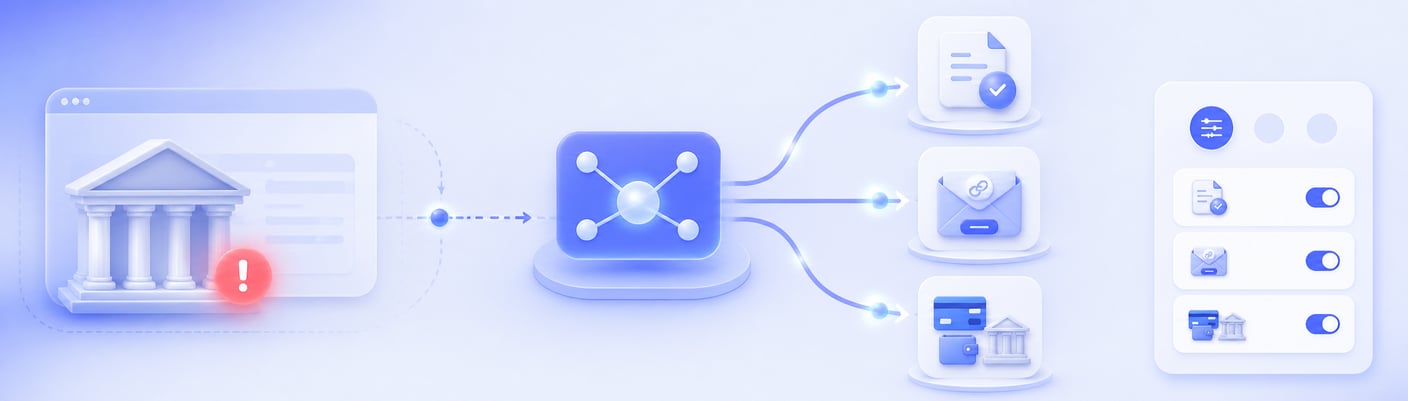

1. Pay by invoice afterwards
Before the info screen is shown, it checks whether your customer passes the acceptance check and whether the purchased goods can and may be paid for. Only if this is the case will the option 'pay by invoice' be shown.
2. Save the orders & email the payment link (PayItLater).
This email is sent automatically as soon as the customer's bank is available again. The customer can then still complete the payment with the click of a button.
3. Choose another payment option
Your customer returns to the web shop and chooses one of the other payment methods activated and available by you.
Merchants determine themselves which option is displayed as an alternative payment method.