
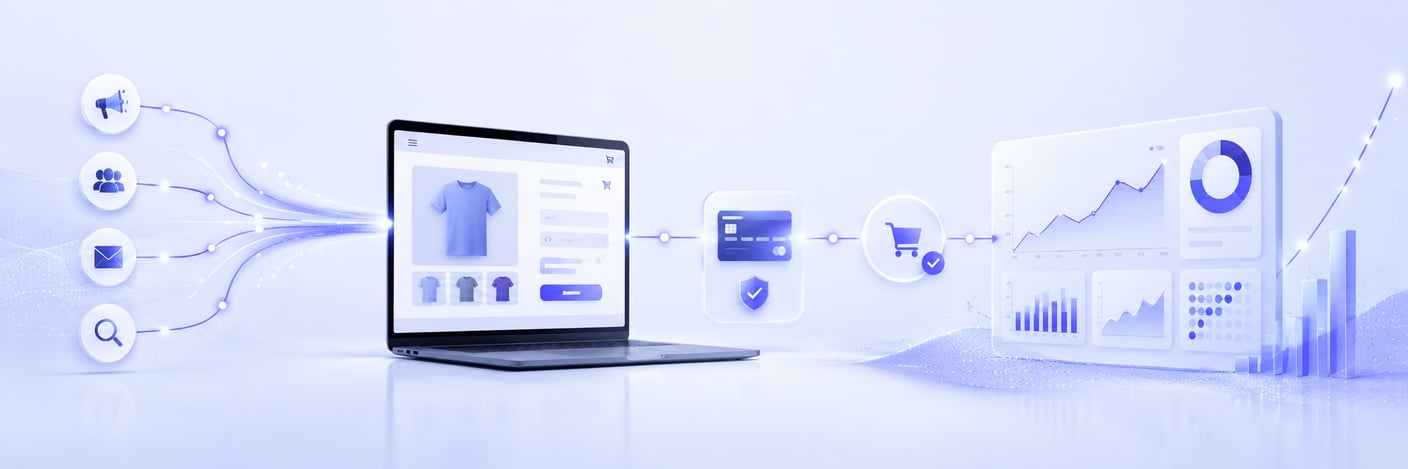
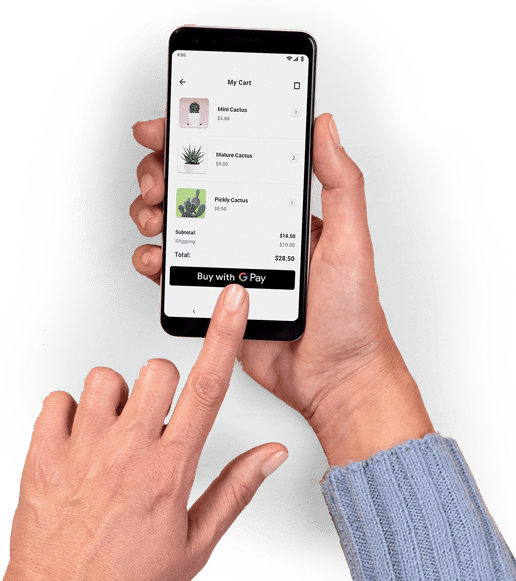
Who buys what and for what amount? You can see this in the backend of your webshop. If you are wondering how this visitor arrived at your webshop, you can find this out in Google Analytics. And if you also want to know exactly which advertisement lured the visitor into your webshop, Google Analytics will tell you thanks to our tool.
Each payment method or iDEAL bank has its own way of handling transactions. Using Google Analytics Sync, you can see exactly where a conversion comes from. Whether your visitor clicked on a link in your email, on one of your ads in Google, or ended up on the website via your social media post, after each successful payment, the transaction data enters your Analytics account.
Per sales location, you can add within the Pay. Admin Panel add your analytics tracking id, so Analytics no longer relies on a conversion pixel or visiting the thank you page. Of course, all privacy-sensitive information is filtered out of this data and only things like transaction Id, order number, product data and payment method are fed back.
Please note that as of July 1, 2023, Google Analytics will migrate to Google Analytics 4. To get ahead of this transition, it is helpful to activate the GA-4 property in the Pay. Admin Panel.